About
HalfDeck is an SSH terminal for iPhone and iPad. Open a shell on a server you trust, with the system keyboard and the keys a terminal needs.
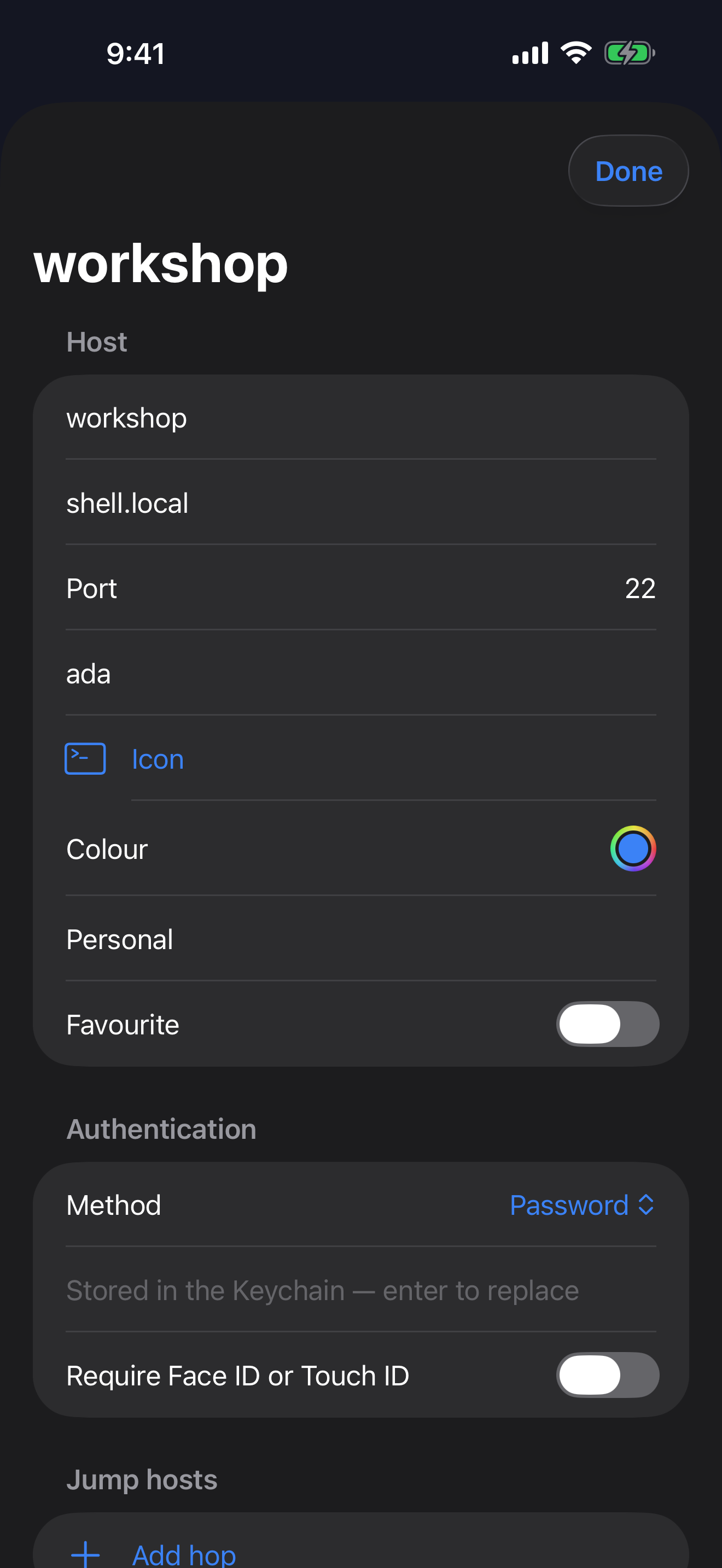
There is no HalfDeck account and no ad network. You connect only to servers you choose. Passwords, private keys, and passphrases live in the Keychain on the device. They are not written into the host list, and they are not stored in iCloud.
What it does
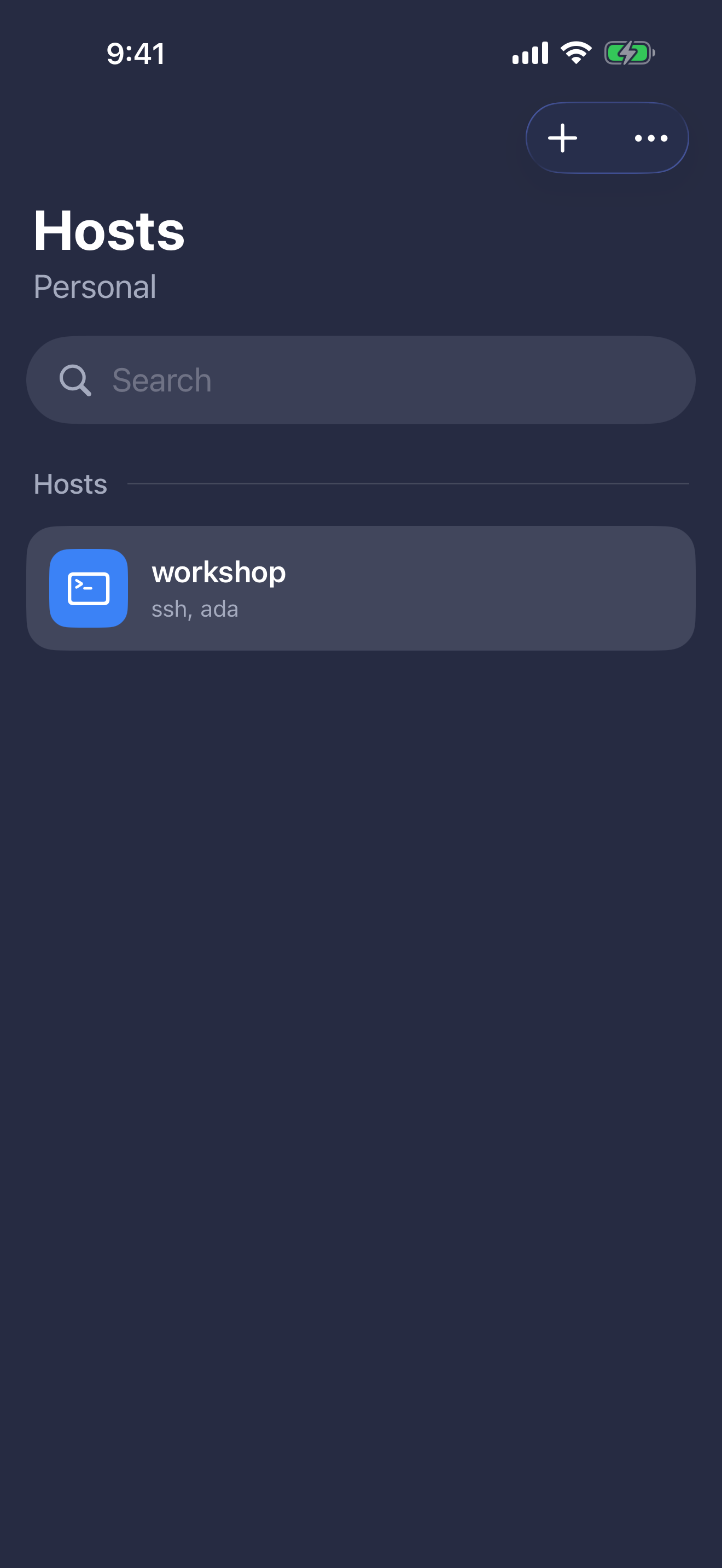
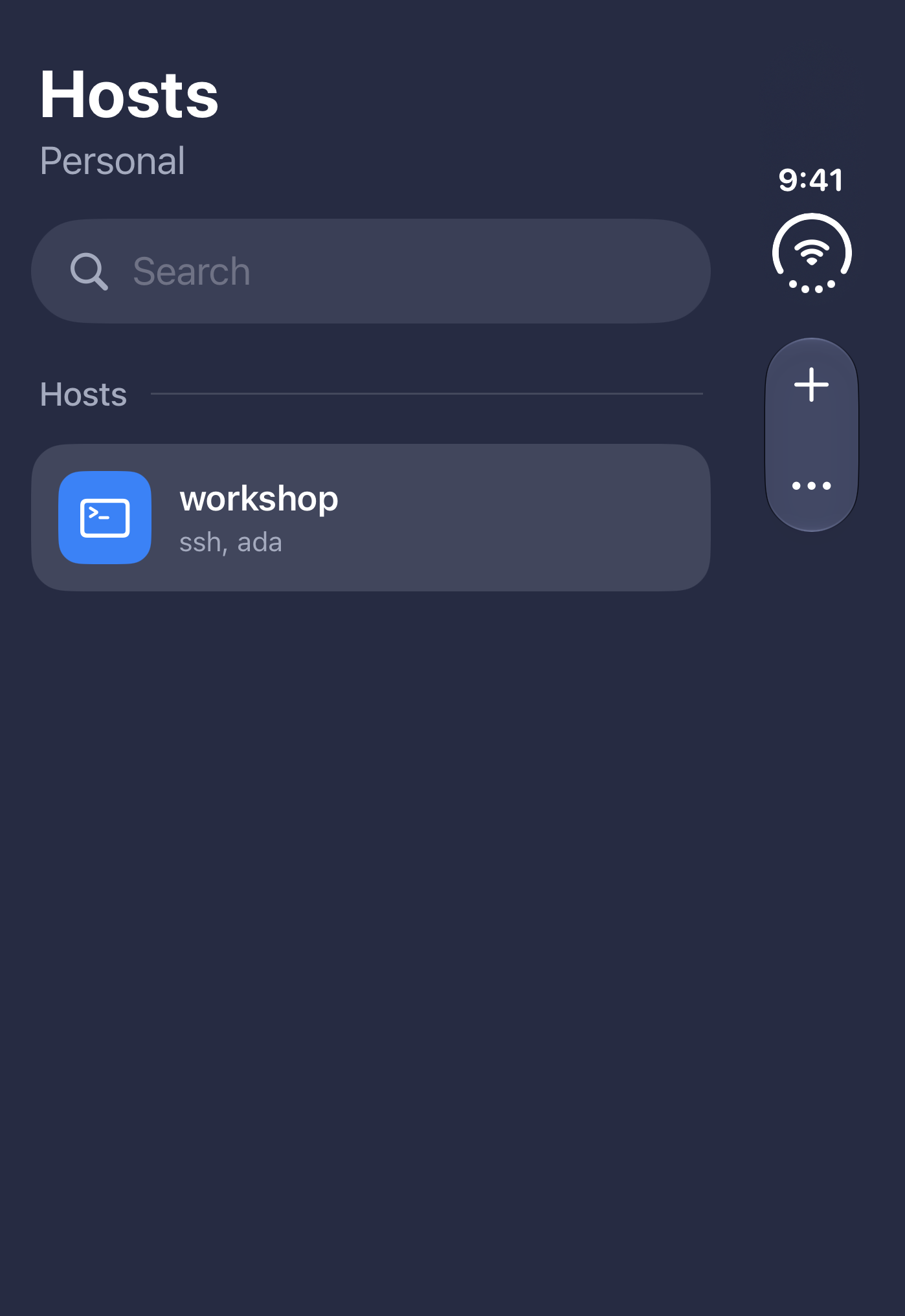
- Save hosts, search them, group them, and mark favorites. Import an ssh config, or add a host by hand.
- Type with the iOS keyboard. Function keys and arrows sit above it, not instead of it.
- Keep more than one connection open. When one ends, HalfDeck selects the next, or returns to the host list if none remain. From a live terminal you can open another host without dropping the one you are on.
- Browse remote files with SFTP on the same connection. Forward a local port, ask the server to listen, or run a SOCKS proxy on the device. Reach an inner host through a jump chain.
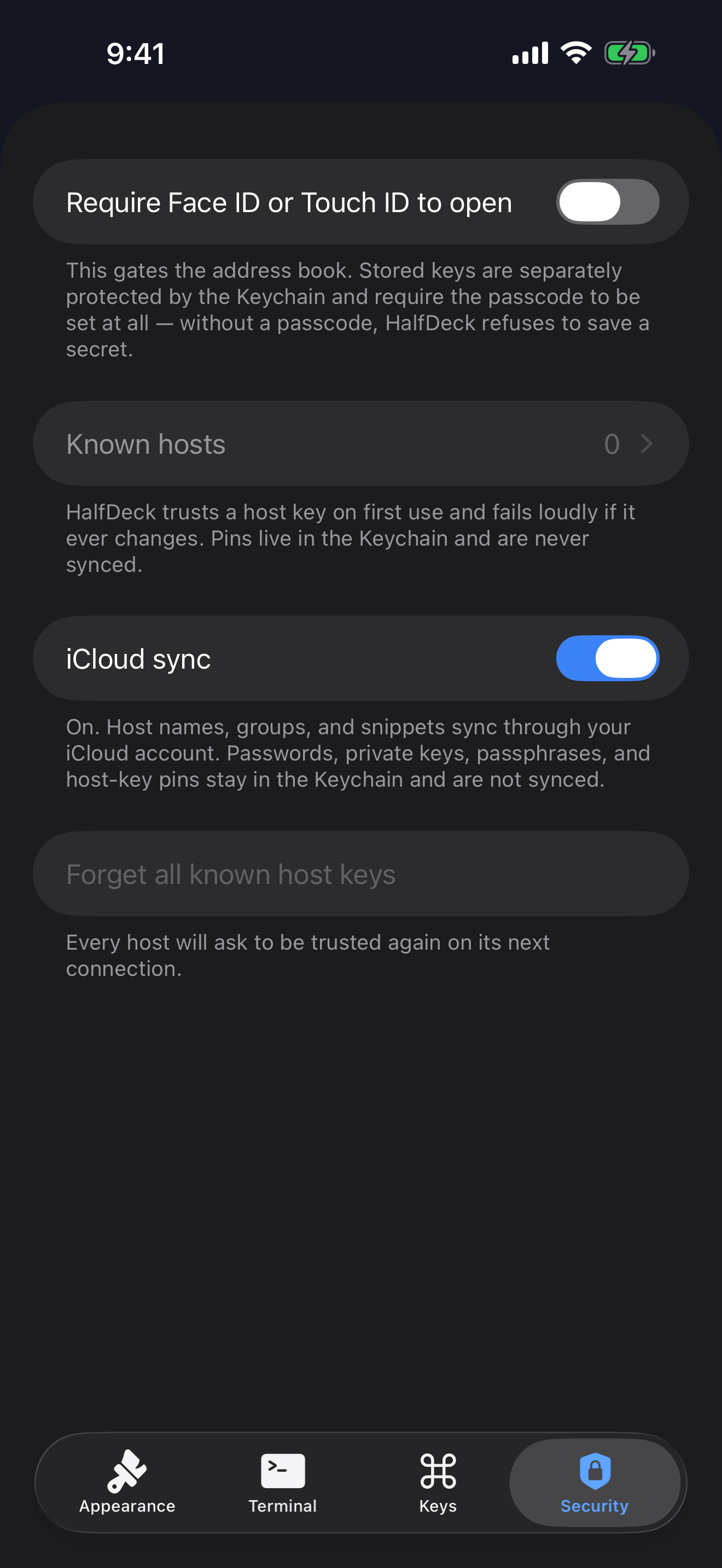
- Generate an Ed25519 key, or import a PEM or OpenSSH private key, including RSA and ECDSA. HalfDeck pins a host key and warns you if it changes.
- Face ID or Touch ID can lock the address book and a saved login. Host names, groups, and snippets can sync through your private iCloud account. Secrets cannot.
- On a foldable iPhone, the terminal and the keyboard can each take a side of the fold.
The app
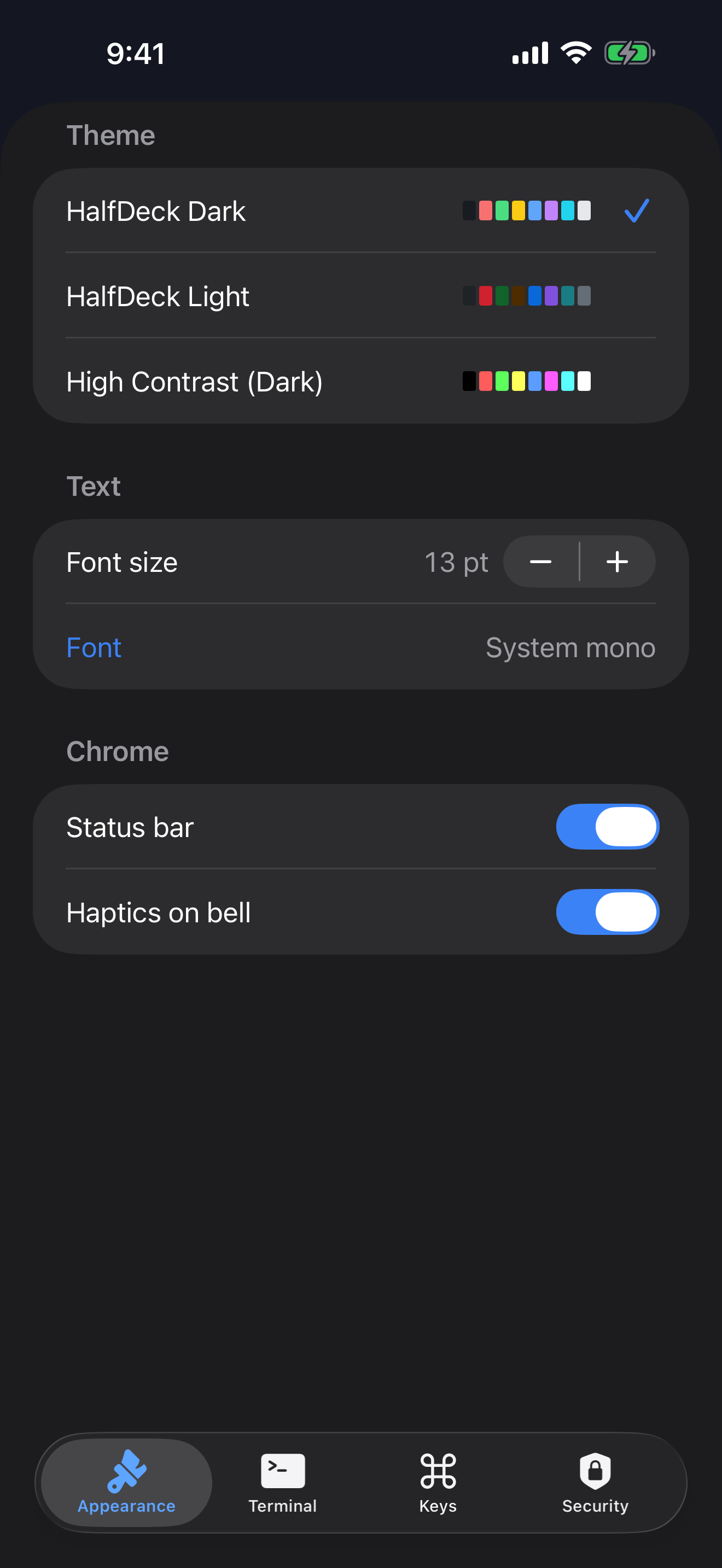
Captured from the running app. iPhone shots are 1320 × 2868. iPhone Duo outer shots are 1398 × 2034. No device frame, no alpha channel.
Privacy
The app does not collect usage data for CrNet. SSH traffic goes to the server you entered, not to us. The full policy is on this site.
Questions
Does HalfDeck have an account?
No. There is nothing to sign up for. You add the servers you already use.
Where do passwords and keys go?
The Keychain on this device. They are not in the host list and they are not in iCloud. Host names, groups, and snippets can sync if you leave iCloud sync on.
Can I open more than one server?
Yes. From a live terminal, Hosts returns to the list without disconnecting, and Connect opens another machine beside the one you already have.