About
Shadow Locker is a privacy-first vault for notes, photos, videos, audio recordings and files on iOS 17+. Everything happens on your device. There is no account to create, no email to verify, no cloud to sign in to, and nothing to sync — your data is written to your phone's own storage, encrypted, and it does not leave.
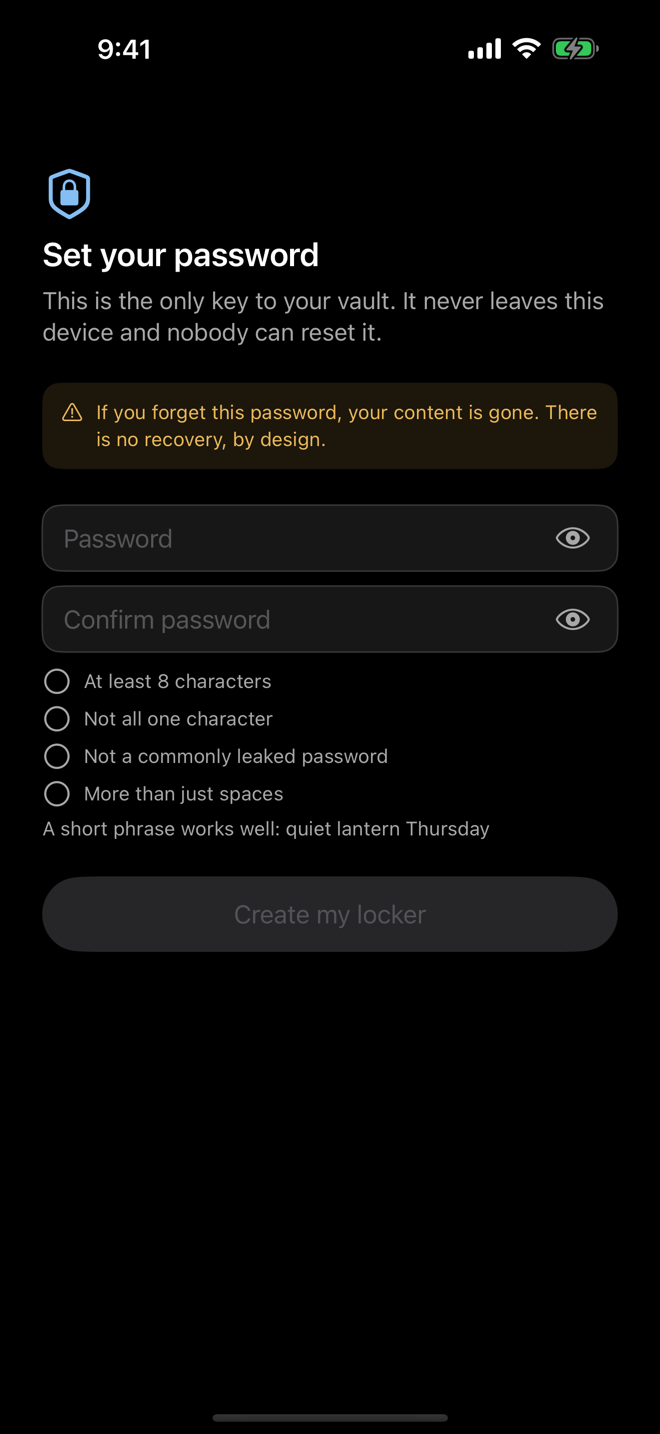
Your password is the only key. Nobody can reset it, nobody can read your data, and if you lose it the data is gone — which is the same property that makes it worth storing.
What it does
The app
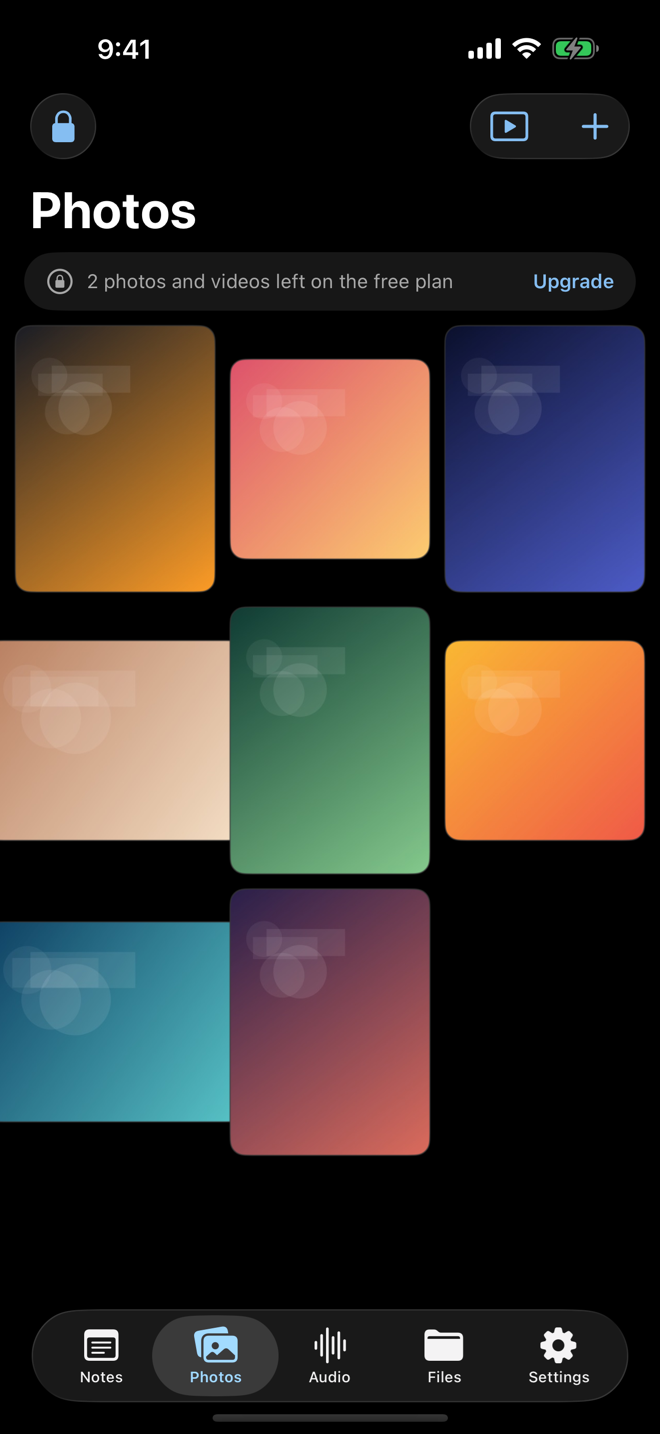
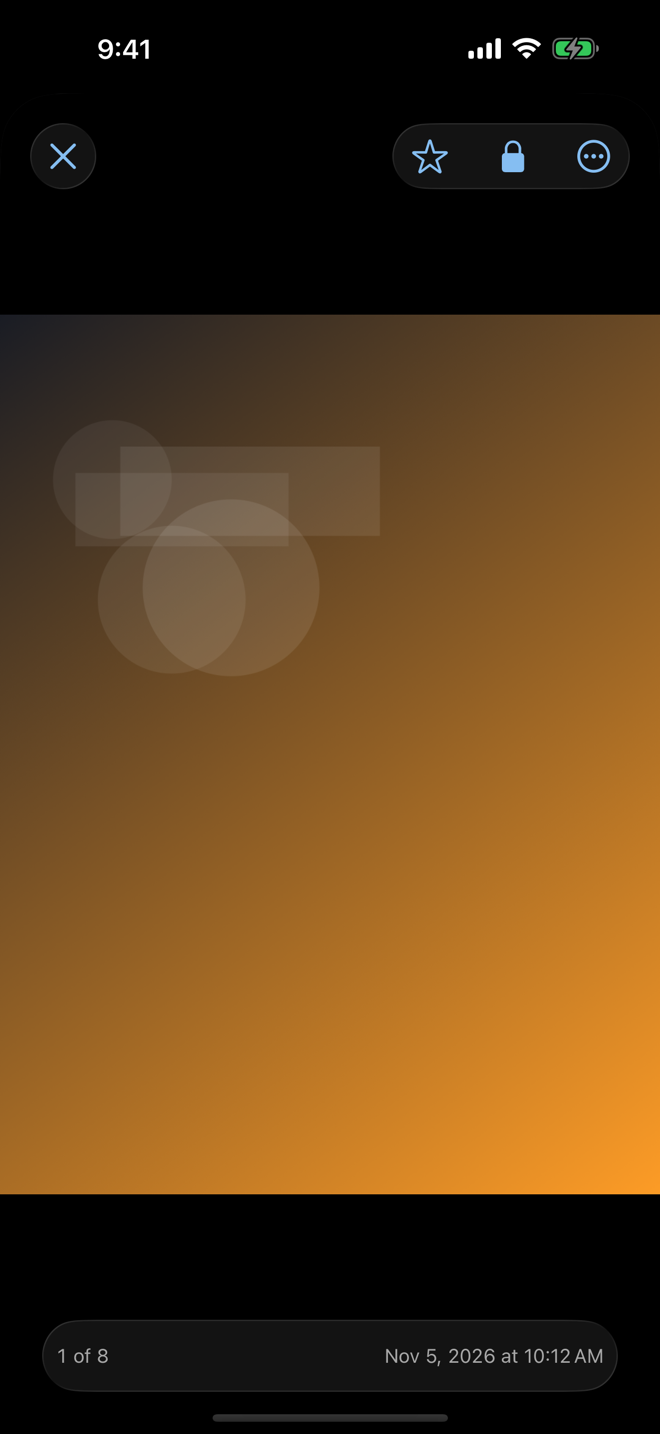
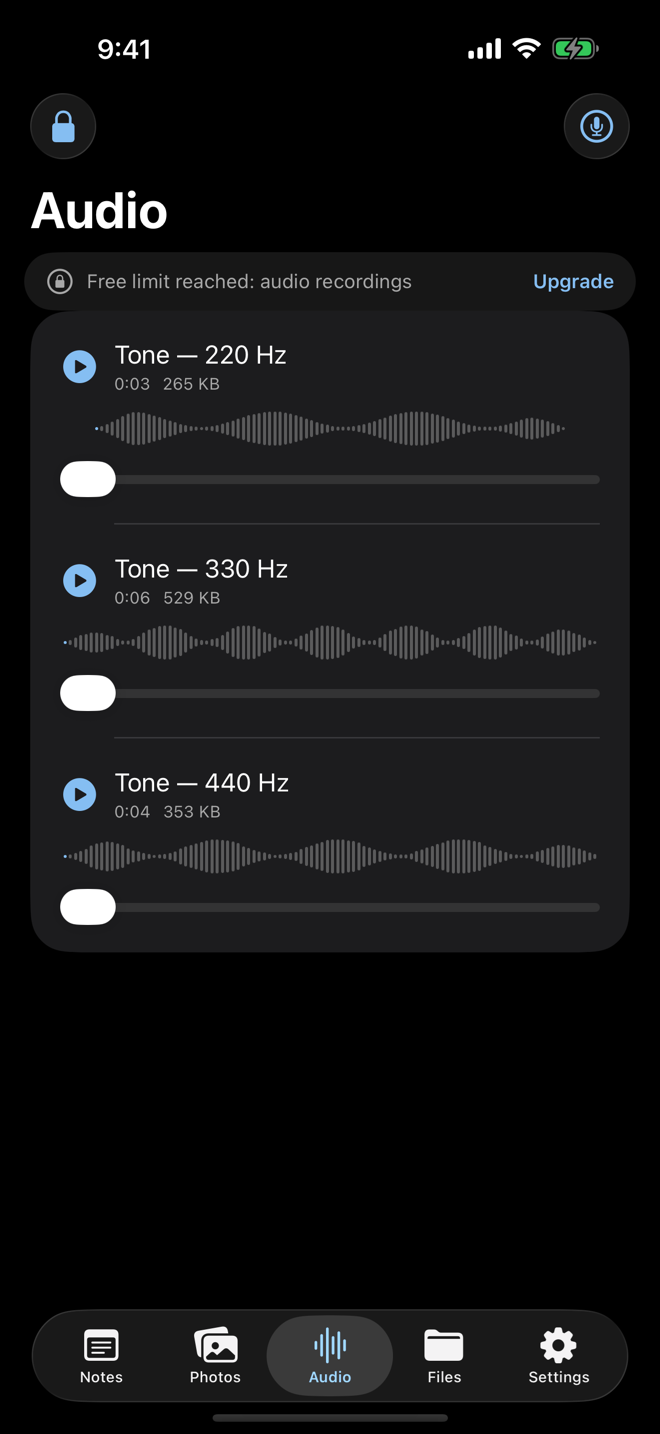
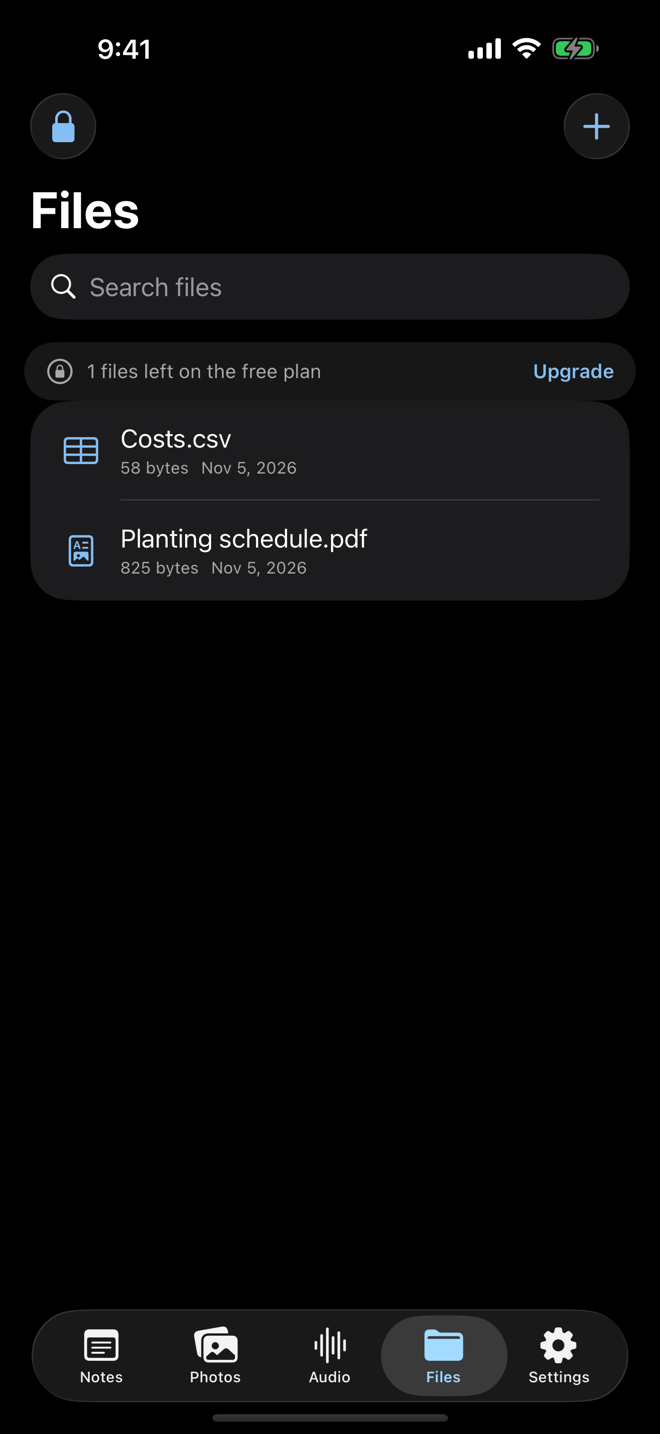
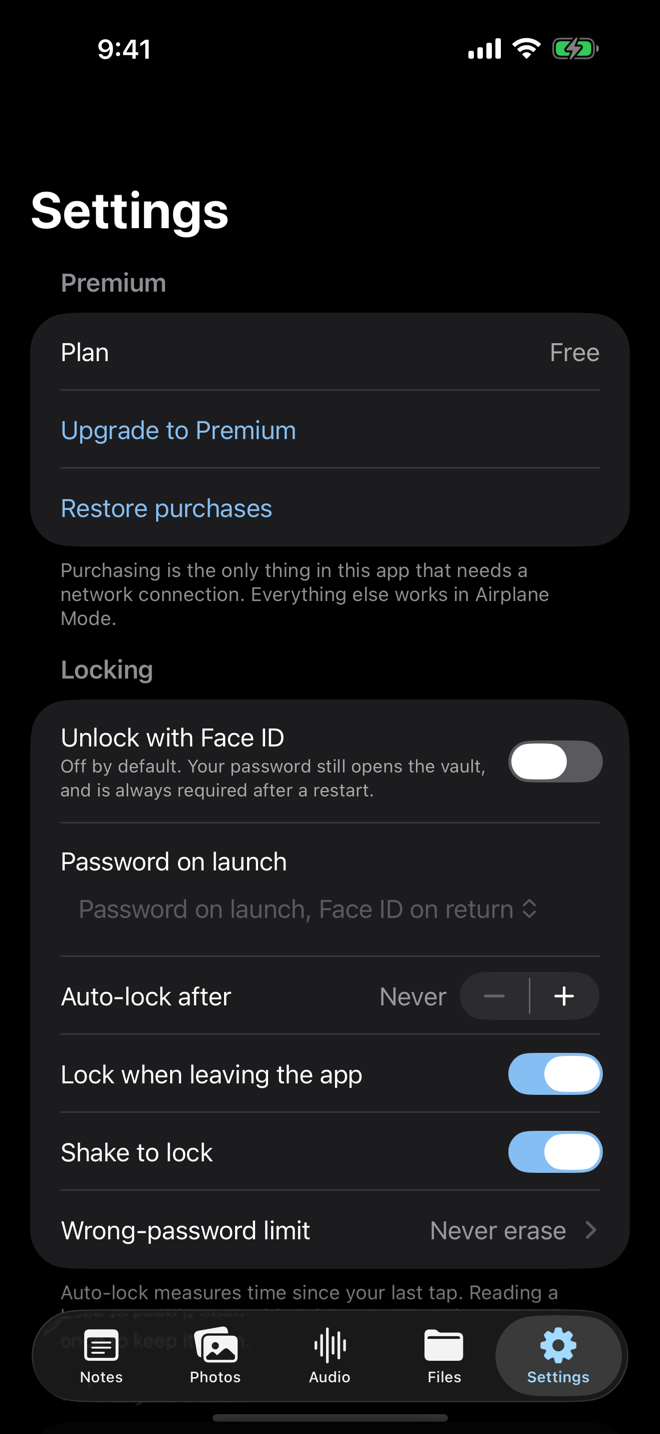
// captured from the running app — click any frame to enlarge, arrow keys to move
How it works
No servers, no accounts, no proprietary magic — a design where your content never touches disk unencrypted, and the keys that read it exist only in memory while the vault is open. From choosing a password to locking the app again:
Create a locker
Your password is used on the device to derive the key that unlocks your vault. It is never sent anywhere and never stored in any recoverable form — nobody can reset it, nobody can recover it, including us. That is the property that makes the vault worth having.
Everything is sealed on the device
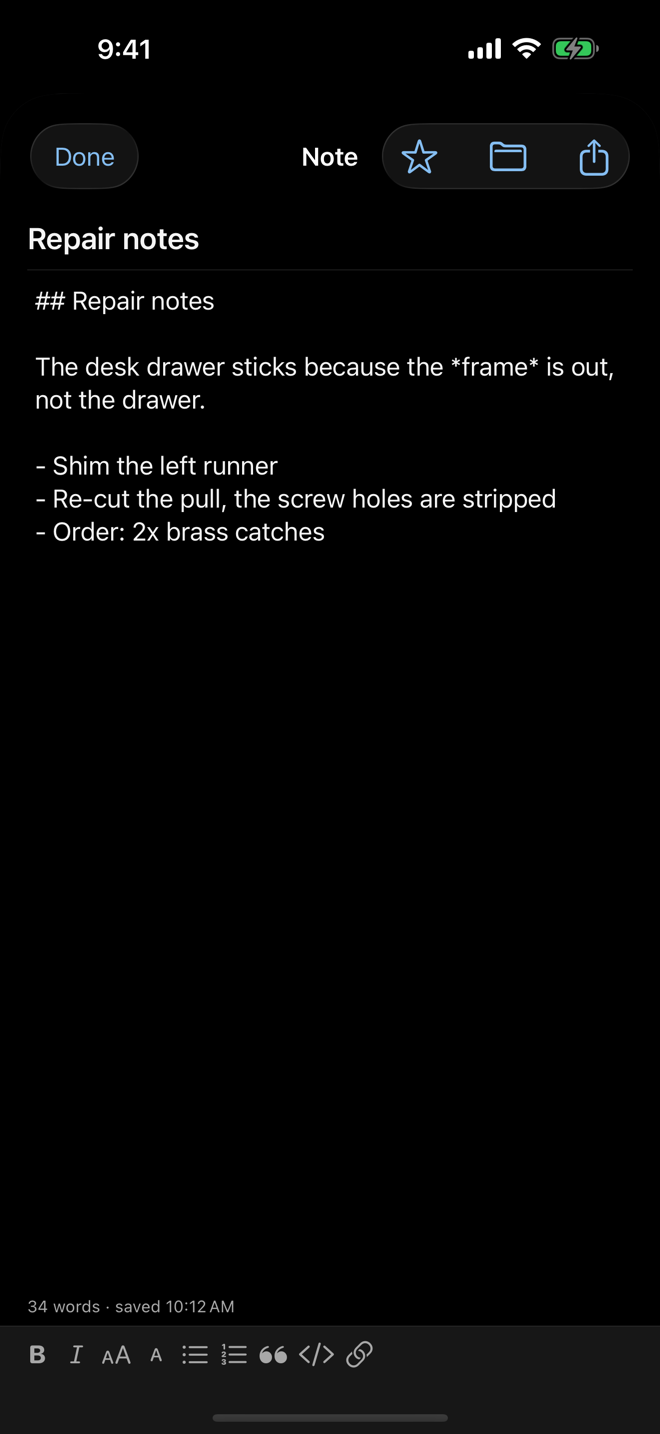
Every note, photo, video, recording and file is encrypted before it reaches storage — each item sealed individually under its own key, so one item can never stand in for another. What lands on disk is unreadable to anyone who gets hold of the phone.
Lists render without unlocking
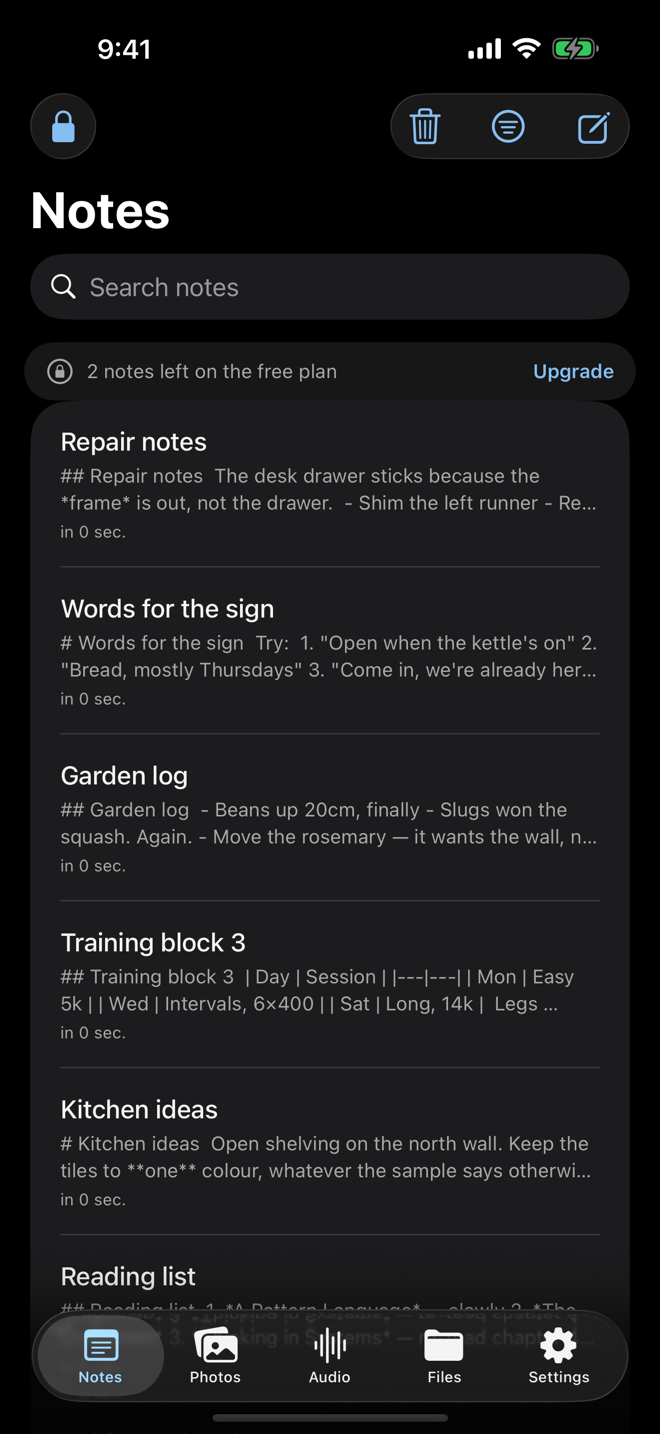
The app keeps only the minimum it needs to show you what you have — kind, dates, organisation, size — kept strictly separate from your sealed content. You can browse the vault's shape without decrypting a byte of what's in it.
Tampering is detected, not tolerated
Stored data is verified as a whole and part by part. If anything on disk has been altered, reordered or replaced, the app fails closed rather than quietly reading something wrong.
The Share Extension never sees your vault
The extension that saves items in from other apps is a separate process with one job: it asks for your password, seals each item on the way in, and writes sealed data only — it never opens the vault, never decrypts anything, and never fetches a shared URL; a shared link is stored as text.
Locking destroys the keys
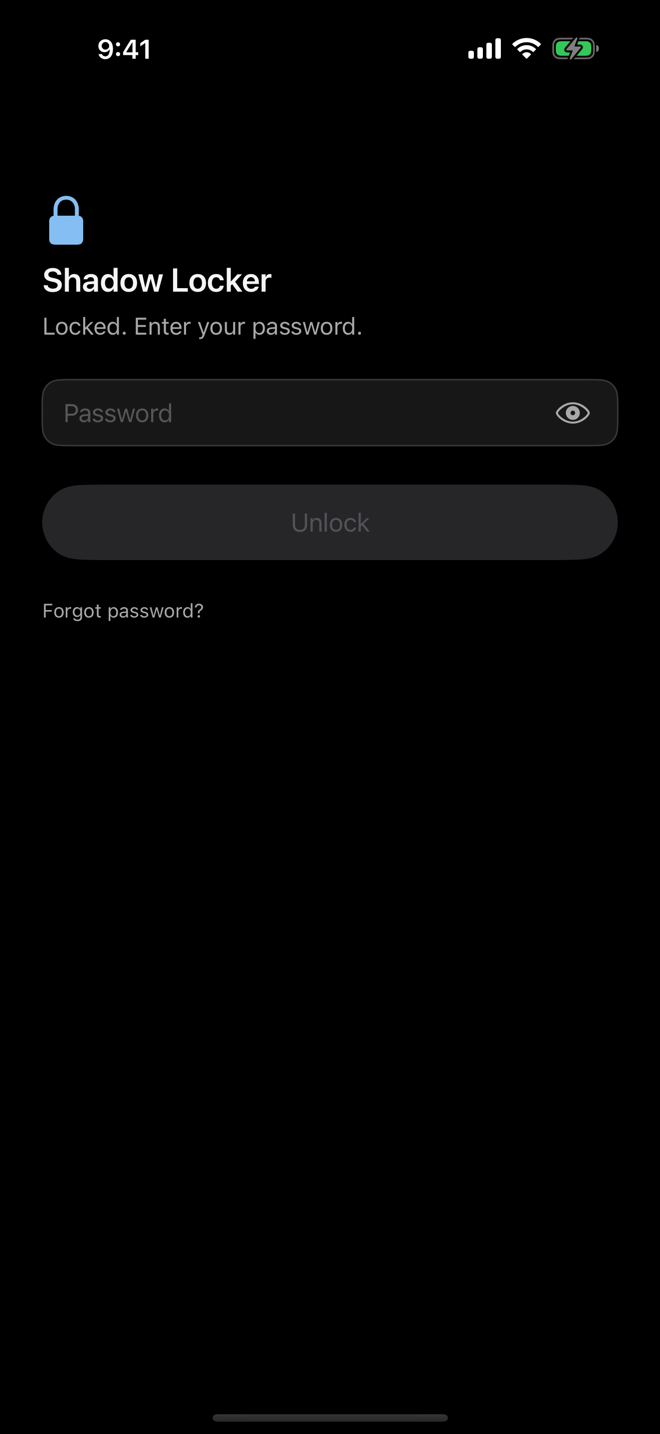
On lock: the keys in memory are destroyed, working caches are wiped, and the app-switcher preview is replaced with a blank window — in that order. Nothing decrypted is left behind on disk or in memory to find.
Touch ID, Face ID and Optic ID are opt-in, always secondary to the password, and never replace it after a restart or a failed biometric. The app names whichever sensor your device actually has — a Touch ID device is never told to look for a face.
Privacy claims — and what holds them
These are not marketing sentences. Each one is built into the app and checked continuously — the release build fails if any of them stops being true:
| Claim | How it is held |
|---|---|
| No data leaves the device | No HTTP client exists in any shipped source file. Every network API — URLSession, CFNetwork, NWConnection, WKWebView and friends — is on a banned-token list that the audit test greps for. |
| Only purchasing uses the network | StoreKit 2 is called by one file and nothing else. The permitted-hosts list is empty. |
| No analytics, ads or crash SDKs | The audit forbids vendored binaries and a Package.resolved — there is no way to add one by accident. |
| No logs that leak content | All logging goes through a sanitising logger. Raw print(, NSLog( or Logger( outside that one file fails the audit. |
| Nothing cached in the clear | Temporary data never persists on disk in the clear — previews, audio traces and the search index are wiped whenever the app locks or moves to the background. |
| The hand-off area holds sealed data only | The staging area the Share Extension uses to hand items to the app never holds anything in the clear. |
| No iCloud, no push | The audit parses both Info.plists and both entitlement files and fails on aps-environment or any iCloud service key. |
| Airplane Mode works | Fully usable with no connection. Only purchasing requires one, and the app says so. |
App Store privacy label: Data Not Collected.
Tech stack
Pricing
The free tier is usable rather than crippled — the full feature set is present, with room to live in it. Both Premium plans unlock exactly the same features; the difference is only how you pay.
- 10 notes
- 10 photos & videos
- 3 audio recordings
- 3 files
- Full editor, search, folders & tags
- Encrypted backups
- Share into the vault
- Duress mode
- Unlimited notes, photos, videos, audio & files
- Encrypted backup files you can restore anywhere
- Share into the vault from any app
- Bulk export, and duress mode
- Unlimited notes, photos, videos, audio & files
- Encrypted backup files you can restore anywhere
- Share into the vault from any app
- Bulk export, and duress mode
Prices are set by App Store Connect and may vary by region. When a subscription lapses or is refunded, nothing is deleted — the vault degrades to the free caps and existing content stays readable. Restore is always offered, and no plan has ever required an account or an email address.
Questions people actually ask
What happens if I forget my password?
The data is gone. There is no back door, no master password, and no support path that can open a vault — that is not a limitation we work around; it is the property that makes the vault worth having. The app offers erase-and-start-again behind a typed confirmation. Write the password down somewhere physical.
Is this a password manager?
No. Shadow Locker stores content you write, shoot, record or import. It does not save website logins, autofill forms, or generate credentials. If you are looking for somewhere to keep website passwords, this app will disappoint you.
Can you read my data?
No — and the stronger version is that there is nowhere for it to be read from. We run no servers, the app makes no network calls of its own, and its only connection is to the App Store when you choose to buy or restore Premium. The App Store privacy label is Data Not Collected.
Why does it ask for my password every single time?
Because locking is aggressive by design: a password is required on every launch and on every return from the background. Touch ID, Face ID and Optic ID are a convenience you can turn on — they never replace the password after a restart or a failed attempt.
Do I need an internet connection?
No. The app is fully functional in airplane mode. Only purchasing or restoring Premium requires a connection, and the paywall says so plainly when there isn't one.
What happens to my vault if I stop paying?
Nothing is deleted. When a subscription lapses or is refunded, the vault degrades to the free caps: everything already in it stays readable, you simply cannot add more beyond the caps.